The biggest data generator is in our pockets - so securing it to protect privacy is the very first step to do before starting to use a device. Steps to secure Android:
- Remove all non-needed apps
- Acquire root permissions on your phone (phone specific, use XDA forum)
- Use Titanium Backup
- Backup all your data
- Freeze or uninstall all unnecessary programs
- Remove all which is vendor specific (Samsung, Sony, MIUI fork, …)
- Remove all Google packages
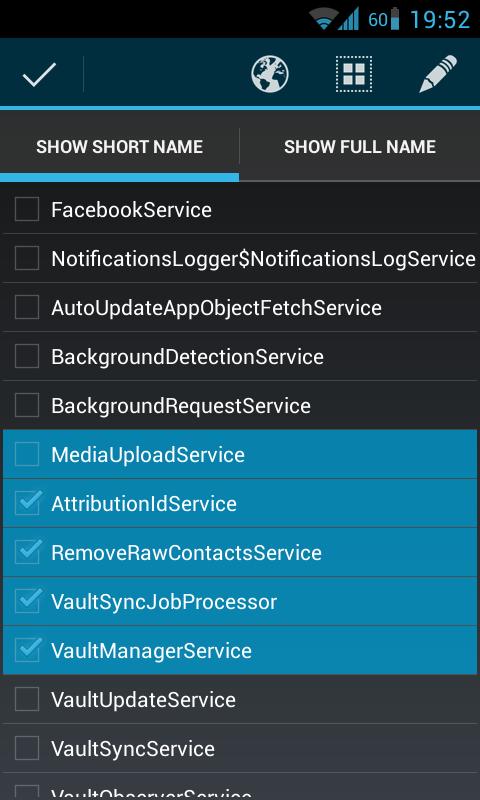
- Disable all unused or privacy wise dangerous services with Disable Services
- If some vital functions are not working you can re-enable it
- Regularly, apps with disabled services still work (e.g. disabling LocationAccess for Facebook app)
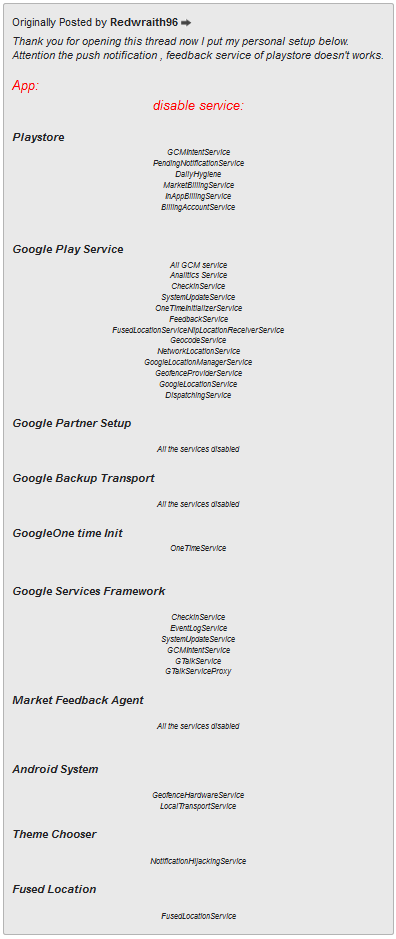
Source: XDA Forum
-
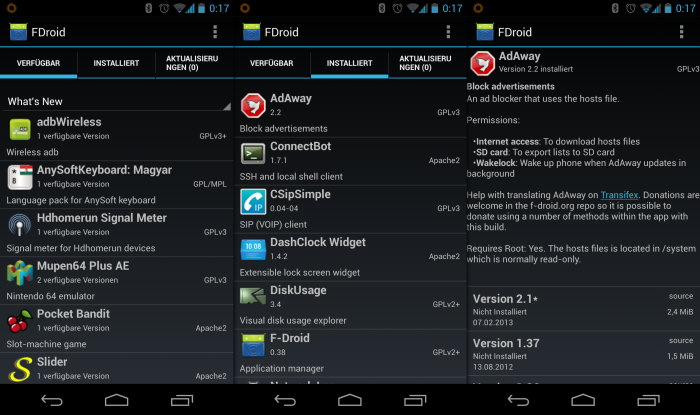
* Use an alternative App Market- F-Droid’s community is providing open-source apps for download with basic code checks. The following are suggested
- Keyboard: Android stock keyboard
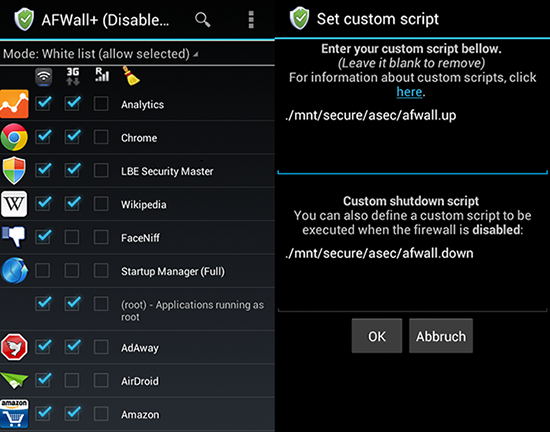
- Firewall: AFWall+
- Mail: K-9 Mail
- Browser: Lightning
- Sync with CalDAV and CardDAV servers: DAVdroid
- F-Droid’s community is providing open-source apps for download with basic code checks. The following are suggested
-
* Install a Firewall (AFWall+)- Only allow the absolutely necessary apps to connect to the Internet (Browser, Email client, Sync client)
-
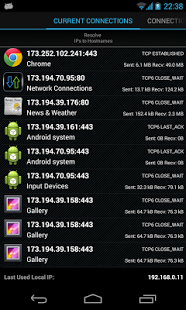
* Install a Connection Monitoring Tool ([Network Connections](http://forum.xda-developers.com/showthread.php?t=2471272))- Regularly monitor what tool sends data where